
How to Use Zylo Workflows
- 0.5
- 1
- 1.25
- 1.5
- 1.75
- 2
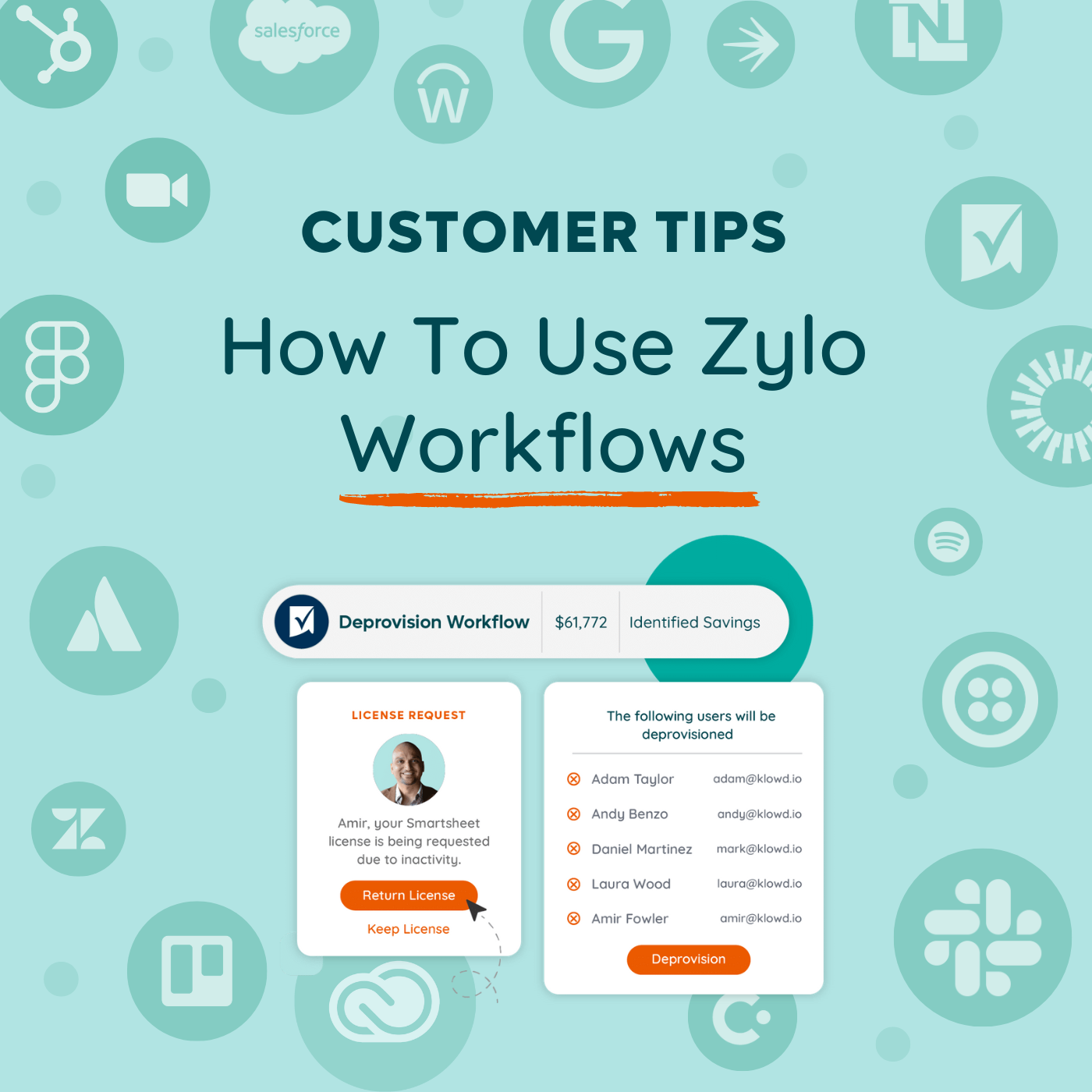
Tom McCorkle: Hi, I'm Tom McCorkle, Director of Product Marketing at Zylo. Welcome to our customer tips series. Today we're focused on how to use license reclamation workflows inside of Zylo. First off, what are workflows? Well, based on usage data from direct integrations, usage connect or single sign- on, the platform makes it extremely easy to identify inactive users. That's where workflows come into play. Workflows is the mechanism which we take back those licenses for employees who aren't using that seat. You can set rules based on how long that activity needs to be or other attributes inside of that workflow. You can optionally send them a survey that you can fully customize, asking them if they're willing to give their seat back. We'll talk about some of the content that you can include there, but really workflows is that mechanism of that final retrieval of that license as well. Whether you have a direct integration or you're using our Okta action solution to deprovision those seats, or you're getting that list over into the hands of an admin. Now that we've discussed that, let's talk about the three times I recommend running workflows. First off, renewals. If you only take one thing away from this, 90 days ahead of your renewal, run a workflow. Find out if there are inactive licenses for that application, and make sure that you're not renewing a bunch of shelf wear. Send out, let those employees know that you're getting ready to renew this tool, maybe include some of the context around the cost. Second is when you're running low on licenses. If you hear from your team that you're running out of licenses and you need to go buy more, pause. Look inside of Zylo, see if there are inactive users that you could potentially re- harvest and give those licenses to employees who need them. Third is programmatic retrieval. This is really the run if you think of a crawl, walk, run. This is where organizations are identifying a set of apps or maybe even all of their apps where they're running workflows on a quarterly, monthly, or even weekly cadence to make sure that they're always keeping their house clean. So really depend on the tool and the team on what that looks like for you. So what does a workflow look like for an end user? If you choose to send out that survey, it's going to be a fully branded and customized message where you can include information on what the application is, what the license, some best practices are, include the cost of that license. If you have a cost reduction initiative in your organization, cite that. If you're running just an initiative to keep your licenses clean, call those out. That can help employees raise their hands to return that license. Also, write within that message, you'll be able to click a button and say, yes, you can have my license back. If they want to keep it, you can ask them to provide justification that you can then approve or reject. So that's some tips for running workflows. What's in it for you? Well, first off, save time. Building emails, doing the big BCC to a hundred users and trying to track results in a Google sheet or tracking survey results across all of these different tools is cumbersome. All of this lives natively inside of Zylo where you're already managing your SaaS. Next, save cash. So don't buy a bunch of licenses that aren't being used when you come up for that renewal. Remove that shelf ware, get that bloat out of your stack and save some money. And then finally, help out your help desk team. Make sure that they always have licenses available to give to employees who are requesting and say that they need them in a really quick way that drives a great experience. How do you get started? Well, check out our knowledge base for best practices and reach out to your CSM. They're here to help you out.
DESCRIPTION
Ever feel like you're paying for software seats that nobody's using? Zylo's Workflows can help you reclaim those inactive licenses, save you time and your company money. In this video, we will answer the questions:
- What are Workflows?
- When should I run a workflow?
- What is in it for me to use Workflows?
- How do I get started?
Recently Added
How to Set Up Automated Alerts in Zylo
10.15.2024
How to Track Your SaaS Budget in Zylo
10.03.2024
Getting Started with Zylo's Dashboards & Custom Widgets
09.20.2024
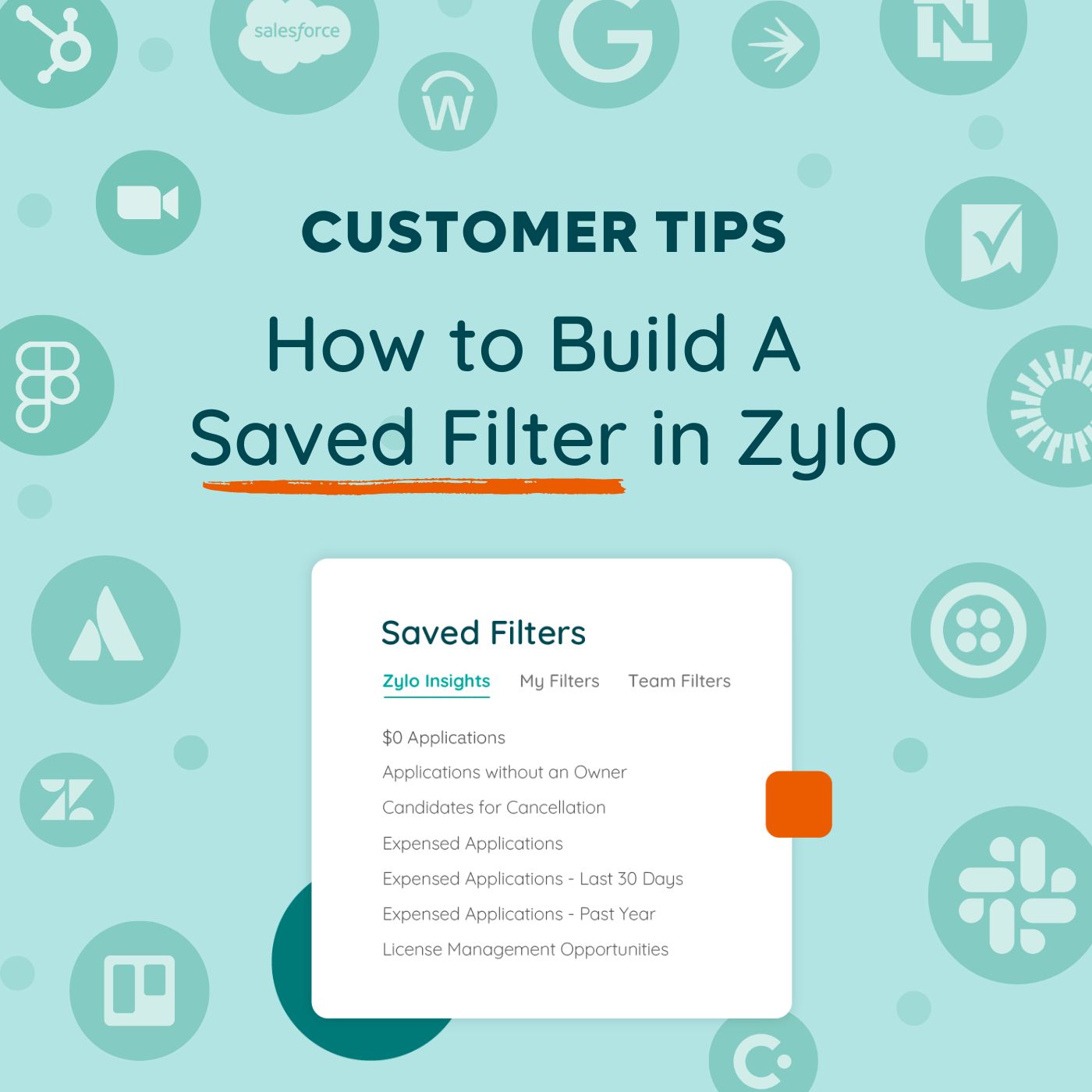
How to Build A Saved Filter in Zylo
09.03.2024
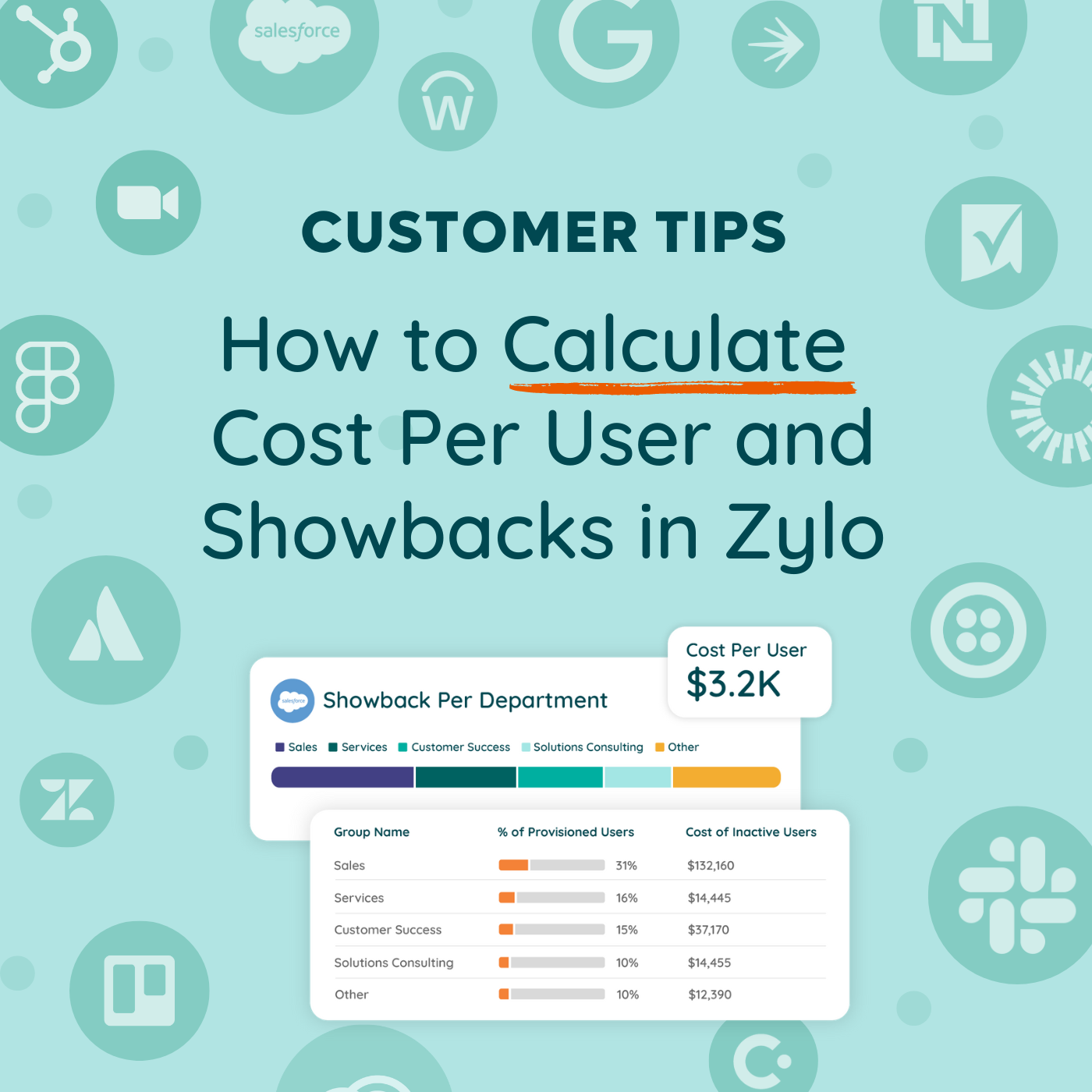
How to Calculate Cost Per User & Showbacks in Zylo
08.21.2024
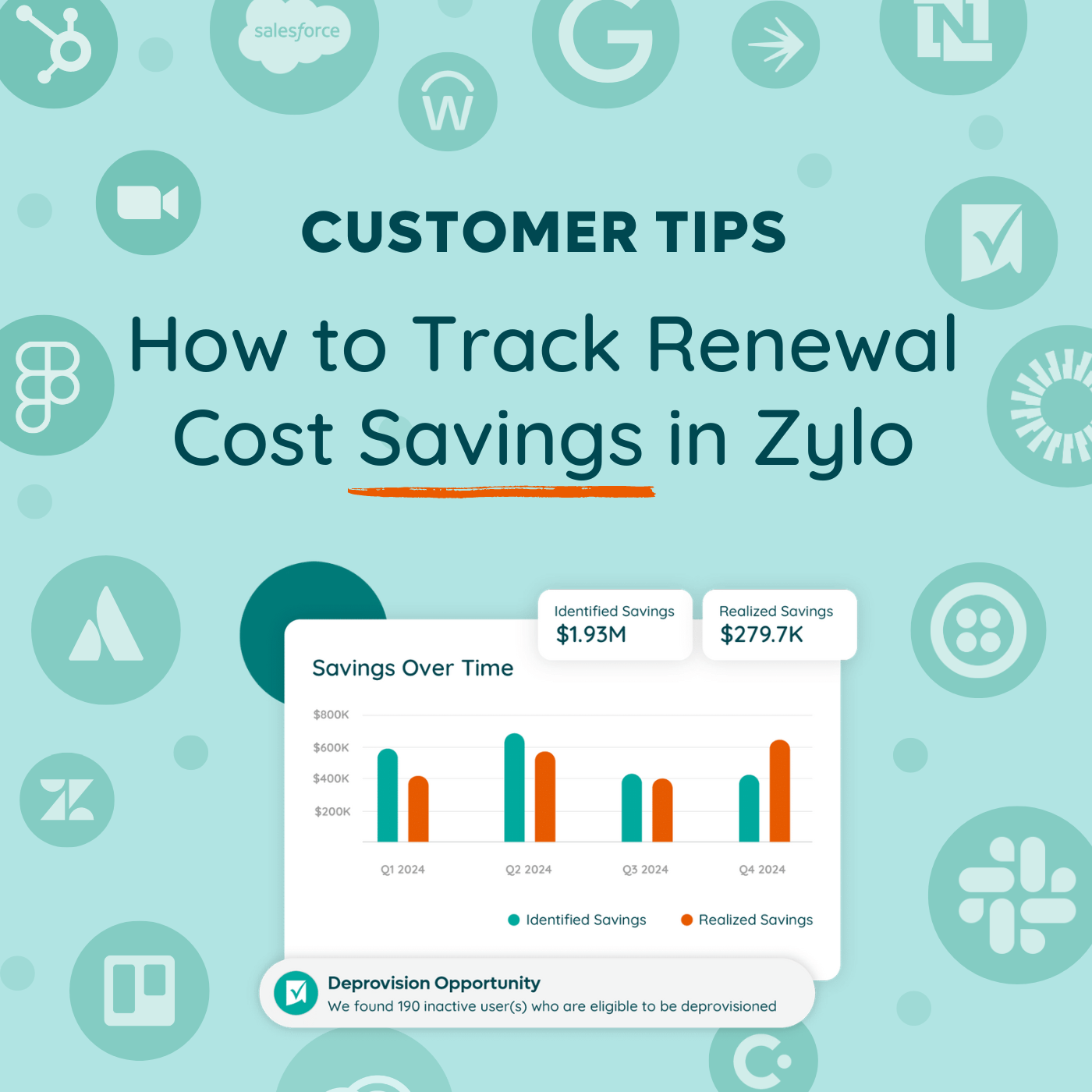
How to Track Renewal Cost Savings in Zylo
08.15.2024